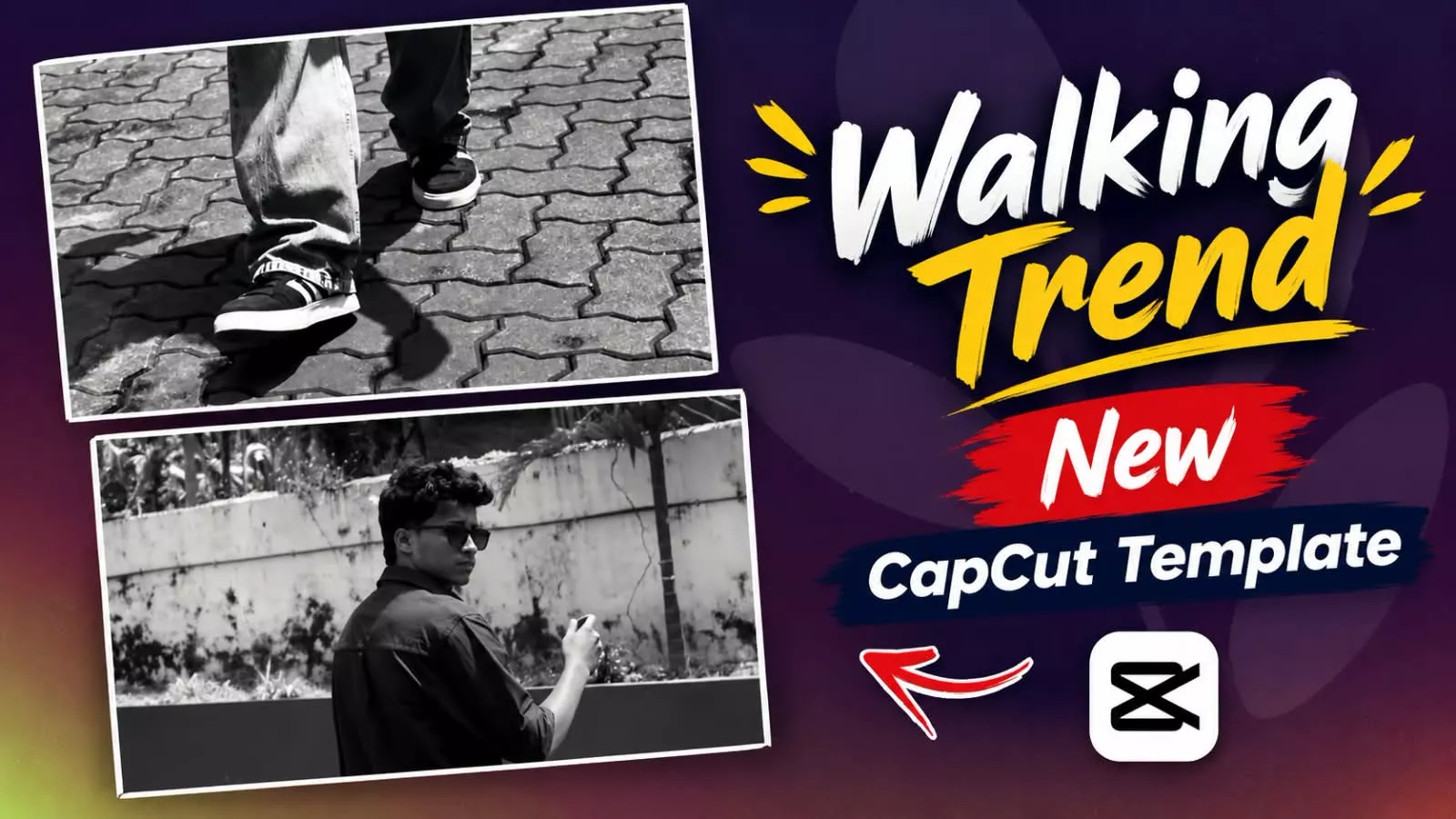
Walking Trend Capcut Template – New video editing trends frequently emerge on social media. Sometimes a specific song, a transition style, slow-motion effects, or a template-based format goes viral, transforming ordinary footage into something captivating. Right now, the “walking trend” is gaining immense popularity, and you have likely seen many people creating content with it. The best part about this walking trend is that it doesn’t require you to record various types of complex footage; simply recording yourself walking is enough to create a polished, professional-looking video. In this article, we will explore what this template is, how to use it to create your video, and how to make it go viral on social media.
Details of Walking Trend Capcut Template
Understanding the ‘walking’ trend is quite simple; you just need to observe the style of the videos. These trending videos typically feature a person shown through a combination of still photos and short video clips capturing movement. Initially, the video appears standard, but as the music progresses, rapid cuts, zooms, and flash transitions occur between the images. The real appeal lies not just in the editing, but in the timing and presentation. You simply need to use good clips and record a quality video—I will explain exactly how to record it.
How To Record Clip For This Video Edit?
Now this editing is going to be of proper walking style, so how to record the video for that. I will explain. First of all, how do you do it, just stabilize the camera at one place or set it on a tripod. Then after that, just walk from the front and your reaction should be a little, not towards the camera. First, look to the side, then go towards the room from your side angle, from the front side, from the back side, in this way, record three-four videos and if you use one video in each, then you will get absolutely proper editing.
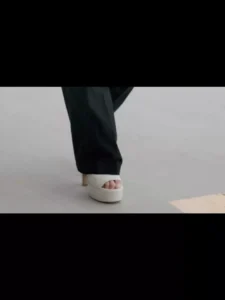
Why do templates make editing easier?
Previously, creating such videos required you to handle the entire editing process yourself—adding music, adjusting clip durations, applying transitions, and timing clip changes to the beat. With templates, however, the process is simplified; you simply insert your clips into a pre-designed structure, and the edit is instantly ready. I will explain exactly how to add the clips in the next paragraph. It’s that simple to create a professional-looking video.
How To Use Walking Trend Capcut Template
First, open CapCut. Go to the templates section and select a “walking style” template; a quick search will help you find one. Then, click on “Use Template” and select the required number of clips—if the template needs only one, simply add a single video, and it will automatically generate the final video for you. However, in this article, we are also providing some unique templates that we created ourselves. Simply click on the template link provided here to open it in CapCut, then click “Use,” add your clips, and your video will be ready.
Note:
Here is one more thing to understand—if there are other trending templates in the future (such as those for ‘trading-style’ editing or ‘walking-style’ videos), you will find them added to this very article. You simply need to visit this page to access those new templates.
Conclusion
I hope you liked the editing. I tried to explain every single detail clearly. If you found this helpful, please let us know in the comments, and we will bring you more amazing tips and tricks like this.