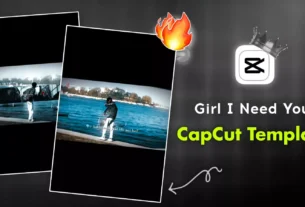
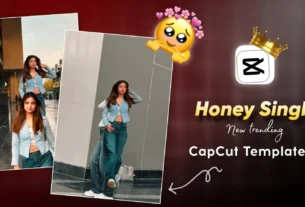
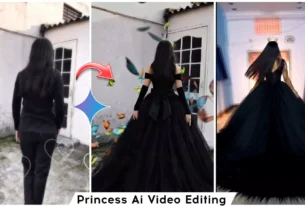
Trending Lyrics Capcut Template – The Instagram trend involving “velocity” edits—featuring alternating fast and slow-motion sequences—is currently huge, especially when combined with cool lyric-based editing. These videos are incredibly popular, and in this article, I will teach you how to create them using two different methods: one that is currently the most trending, and another that is the easiest to execute. If you want to create the kind of viral video that is currently taking social media by storm, I will provide the template here and show you exactly how to make it. As new templates for this trend go viral, I will continue to add them to this article.
What Is A CapCut Lyrics Template?
It is a ready-to-use template. All you have to do is add your video, and the lyrics appear on it automatically. Normally, if you wanted to create this kind of lyric-based edit, you would have to add each line of lyrics individually, sync them perfectly with the song, and add animations to them before your video was ready. However, with the help of this template, the editing process becomes incredibly easy.
Why Are Lyric-based Templates Going So Viral?
It is because the song’s lyrics appear on the screen in sync with the music as it plays, making the video more engaging and appealing to a wider audience. The main reason for their popularity is that the lyrics within the template sync automatically; once you add your video, they align perfectly, giving the final result a professional look. Achieving this level of editing on one’s own—especially as a beginner—would be difficult, but using these templates makes the process quick and easy for anyone to handle.


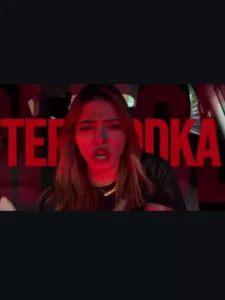



Update – I’m updating this lyrics template. I created this article correctly because I’ll give you all the editing information here, and you can use the same text I’m providing to create your own.
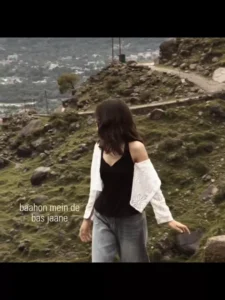
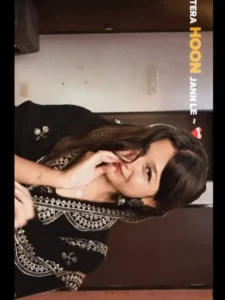
What You Need To Do For Better Results.
If you want high-quality results from your photos, you must use the right elements. Always prioritize HD quality—meaning whatever videos or photos you use should be high-resolution. Next, select a 9:16 aspect ratio and choose clips that match the style of the song and the editing; this ensures your video is perfectly synchronized. Finally, when exporting, use a high bitrate; you can choose settings ranging from 1080p up to 4K.
How To Use Trending Lyrics Capcut Template
To create this edit, you need to use the CapCut app. First, install it from the Play Store, then open the application. Look for the ‘Templates’ section and select a template. Once selected, tap on ‘Use’ and add your video clips. Your video is now ready. However, if you want to create the specific viral edit I’ve linked here, simply click on the template link; you will be redirected straight to CapCut. There, you will see the full template—just select it, add your clips, and create your video.
Conclusion
We hope this edit turned out perfectly for you. If you think it’s perfect, please let us know in the comments, and we’ll keep bringing you more amazing edits.