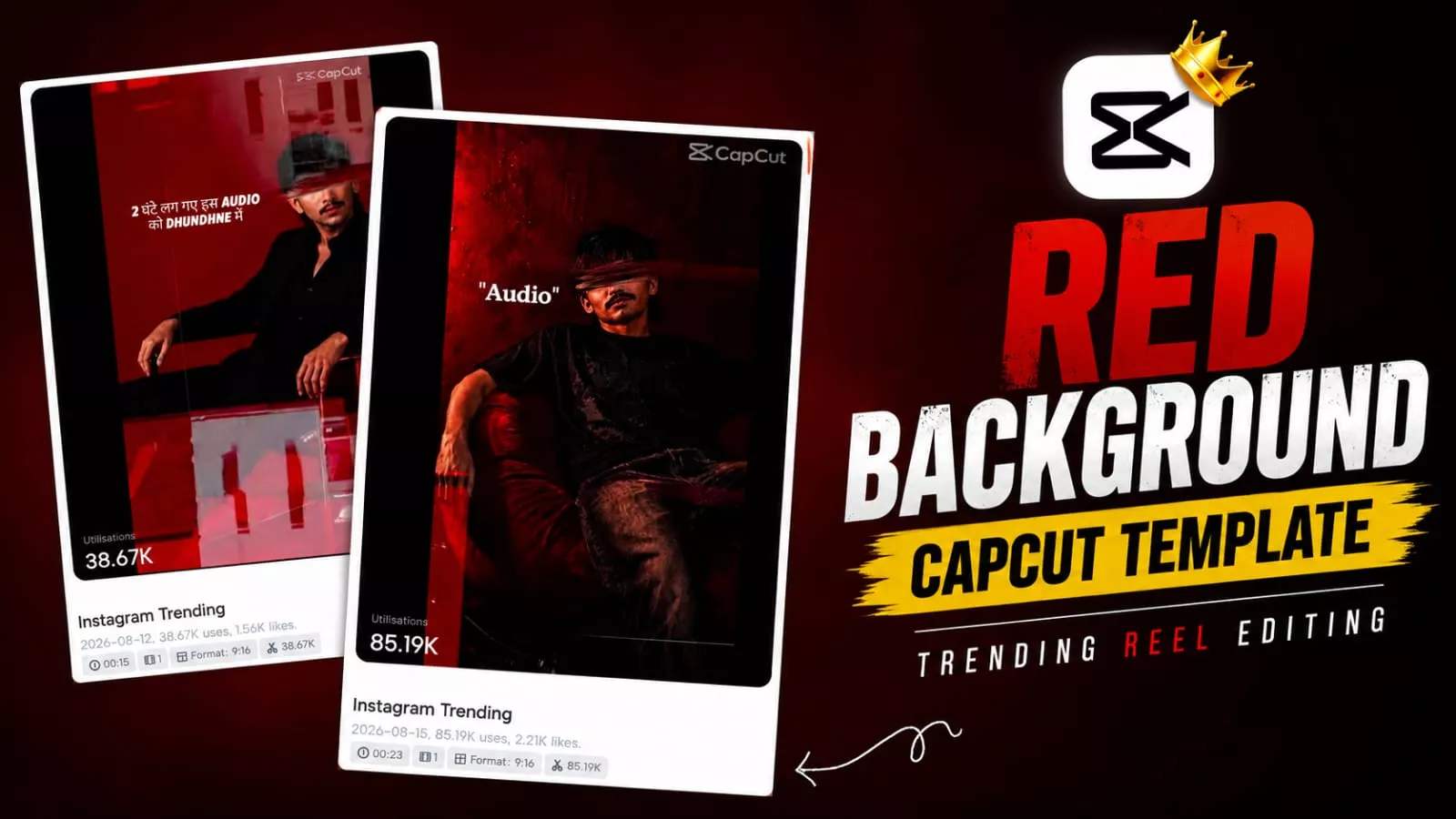
Red Background Dialogue Capcut Template – Videos with such dialogues are becoming quite viral on social media as well. Such videos are created. Everyone’s videos are getting millions of views and let me tell you. What kind of videos can you create now. You first create your normal photo like this. Then make a video of it. I will tell you. If you want your video to go viral then I will tell you all the steps of it and by following it you can also make your normal video viral. I will understand all the things and will also tell you how to do it.
Process Of This Video Editing –
Let’s understand the process; it involves two main steps. First, we will learn how to create images—specifically using a tool like ChatGPT. Second, we will use a template to create the video, as this ensures a perfect outcome and high-quality results. Since the video content is automatically generated based on the template, using one is essential. I will explain both methods to you.
How To Create Red Background Image?
First, let’s create the image. Let’s understand the process of creating the image and see how it works. I have provided a ChatGPT prompt here; you can use it to convert your ordinary photo into one with a red background. Start by copying the prompt, then open ChatGPT and paste it there. Click the ‘plus’ option, and once you generate the image, your ordinary photo will be transformed into a photo with a red background. That covers the image creation process; now, I will explain how to create the video.
Image Prompt –
A high-end fashion editorial portrait of a stylish young man sitting sideways on a chrome chair against a deep burgundy studio backdrop. He has curly black hair, a short beard, and wears black rectangular sunglasses. He is dressed entirely in black - an oversized blazer with wide-leg trousers and black boots. The pose is calm and confident, with a slight lean back and a composed expression.The lighting is soft and cinematic, coming from the side, creating gentle shadows and a moody contrast. The overall look is minimal, modern, and sophisticated. The composition is clean with the subject positioned slightly to the right, leaving negative space on the left. The color palette is rich and monochromatic with deep reds and blacks.Shot with a full-frame DSLR camera, 85mm lens, f/2.0 aperture for shallow depth of field and creamy background separation. Ultra-detailed, sharp focus on the subject, professional studio photography, Vogue-style editorial quality.
Capcut Template –
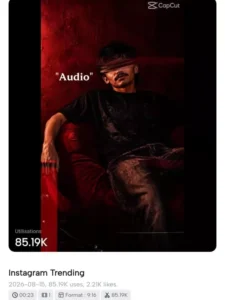
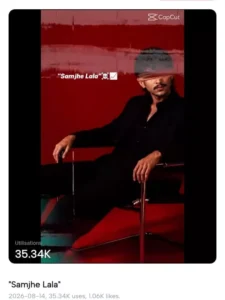
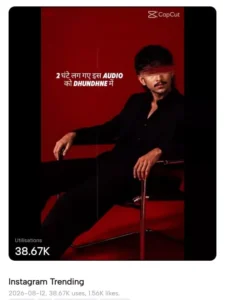
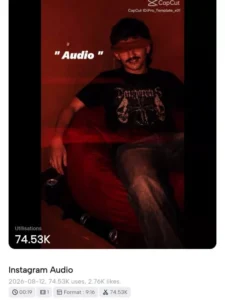
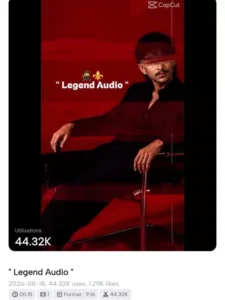
How To Use Red Background Dialogue Capcut Template
We have provided a template for you to create the video. You can use this template directly within the CapCut app. Simply open the CapCut app and search for “Samjhe Lala”; you will find many trending templates there. Select any template featuring a dialogue, add your clips to create the final video, and view the preview. Once you are satisfied with the edit, export it, and you’re all set. I have also provided direct links here to a few select viral templates; clicking on “Check Template” will take you straight to CapCut, where you can add your clips and create the video.
How To Get Mask Effect?
Many people are asking me how I get the mask effect you see on my eyes. You don’t need to do it manually. When you use the CapCut template, it’s set up so that it automatically appears on your face, and the result is quite impressive.
Conclusion
You can easily do this editing right now by following Instagram’s trend. I’ve explained all the details and how to do it. If you have any problems with it, please let me know and I’ll explain how.