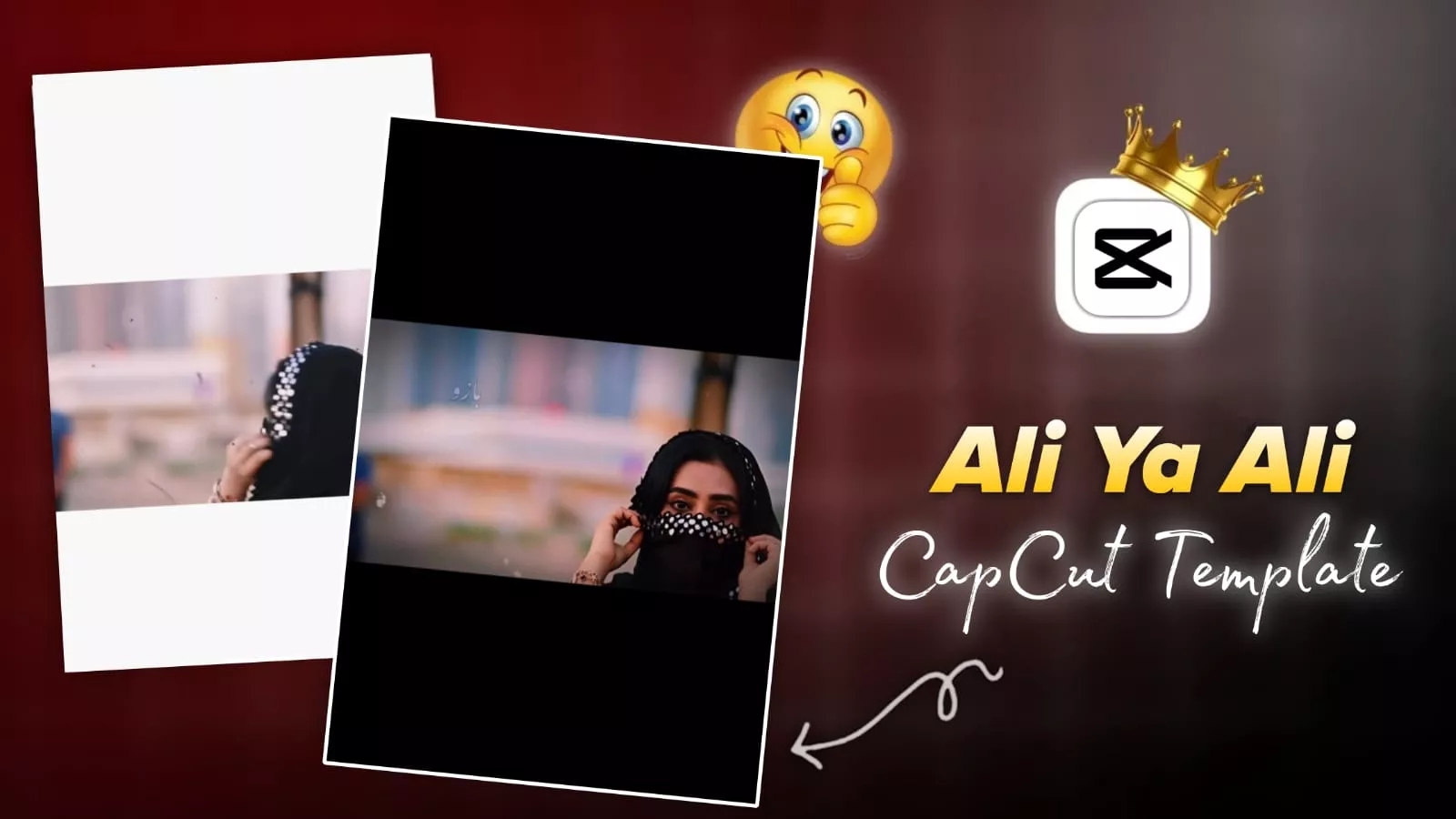
Ali Ya Ali Capcut Template – Currently, a specific style of editing is gaining immense popularity on social media—specifically, edits that are perfectly synchronized with the musical beat. When incorporating any song into a video, aligning the visuals precisely with the rhythm of the track resonates deeply with viewers. I thought to myself: why not share this editing technique with you as well, given that it is currently going viral? In this article, we will discuss this trending style, which allows you to create stunning landscape videos—as the entire technique is designed specifically for the landscape format. I will now guide you through the process step-by-step. By following these instructions, you can effortlessly execute this professional-grade edit and achieve truly impressive results.
Details Of Ali Ya Ali Capcut Template
This particular editing style creates the illusion that the video is continuously moving forward—specifically, as if it were playing in slow motion. At a certain point in the accompanying song, a distinct “boom” sound effect kicks in; this marks the beat drop. Precisely as that beat hits, the video frame freezes. The final frame of the video remains static, and a visual element—something that visually “pops out” or emerges—appears superimposed over it. This is then followed by the lyrics, which are displayed in Urdu. While this style may have originally been created with a Pakistani audience in mind, its current popularity means you shouldn’t limit yourself regarding where to use it. If this trend is currently going viral on social media, you should definitely give it a try and create your own version!
How Many Video Clips Do You Need To Use?
Look, when it comes to editing, no one can give you a definitive answer regarding exactly how many video clips can be utilized. However, based on my own experience using the tool, I observed that it typically incorporates just a single video clip. Consequently, anyone claiming that you need to use still photos is completely mistaken. Here is how it actually works: the software identifies the specific duration for which your video is used—for instance, let’s assume your video runs for two seconds. It then captures the very last frame of your video clip (the final image at the two-second mark) and automatically inserts it into the subsequent “photo” section. There is no need for you to add this manually. Therefore, it is crucial that you exercise care when selecting and adding your video clip. If you add a video and find that the final frame isn’t a particularly good shot, you can simply access the cropping tool to adjust the timing and set the endpoint to capture a more desirable frame.

How To Use Ali Ya Ali Capcut Template
There are two ways to create this. You can follow whichever method makes the most sense to you—one being a custom approach. The other is an automatic method; specifically, our automatic process involves using a template. In the template I have provided, you will find a button labeled “Check Template” located at the bottom. Clicking this button will take you directly into the CapCut app. Once inside, the complete video will be displayed to you, and seeing it will give you a clear idea of exactly how many clips need to be added. As soon as you click on it, an option to add your clips will appear. Simply add your clips from there, then click “Next” to finalize your video; you will be delighted with the excellent results you achieve.
Some mistakes you should always avoid
Here are some mistakes you should always avoid when performing this type of editing. You will achieve excellent results if you use a video style that matches the example shown in the template; therefore, you should strive to add content that is similar in nature. Doing so will significantly increase your chances of going viral. Conversely, if you attempt to add a completely different type of video—for instance, using still photos instead of video footage—your content is highly unlikely to ever go viral. If the template showcases a viral video, you must create your own video in that exact same style.