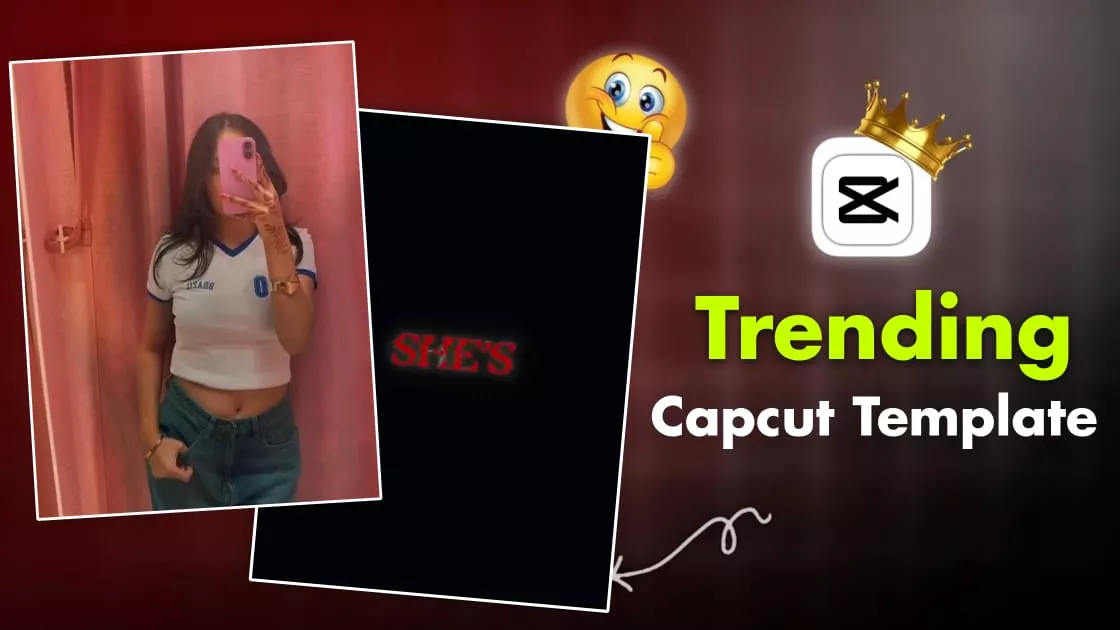
Confess Your Love Capcut Template – Do you want to edit Instagram’s viral reels? The ones that are trending and can be created using CapCut templates? Then this is the perfect guide for you, because I’m going to show you how to create this kind of edit. It starts with lyrics appearing on the screen, followed by a cutout effect, then multiple short clips, and finally, a video with smooth slow-motion transitions, resulting in a completely professional-looking edit. I will explain the step-by-step process below. By following these steps, you can create this viral video.
Details of Confess Your Love Capcut Template
I understand the editing structure. You’ll see the editing in the template, and as the song starts, you’ll see the lyrics video. The lyrics appear and disappear according to the song. Then, in the middle, there’s a cute highlight video. It appears with a cut-out shot, and that’s where our video starts. Then, small clips begin to appear, and you’ll see multiple short clips there, each lasting barely two to three seconds. You need to record the video carefully because, for this type of editing, you have to complete your reaction within three seconds in the clips you add.
How to use the template?
Using it is very simple. First, you need to have your video ready. For example, the highlighted part you see here, which is our cutout effect. You need to put your best video clip there because that’s where our audience starts watching our video. If it’s good there, people will watch the whole video. If it’s bad, they’ll leave right away. So, set that part up perfectly. How do you use the template? We’ve provided the template here. Below it, you’ll find a button that says “Check Template.” Click on it. It opens directly in CapCut. There, you’ll see the video. You can check the preview of the editing. Then, you need to add your clips, whatever your edited clips are, as I explained. Then click next, and a preview of your video will be ready. You can look at it, and if you think the editing is good, you can export it.


Final Touches After Using Template
After using the template, we still need to add the final touches because there are some things the template can’t do. We need to add a few things ourselves to further improve our editing. As I’ve already explained the editing process, here’s what you need to do next: Add the clip to CapCut again. Then, increase the sharpness, which you’ll find in the adjustments section. Increase it by 10 to 15%, slightly increase the contrast, and if the vignette is too high, lighten it a bit and turn on HDR if it’s available. Then export the video. I’ll also tell you the export settings. Export it in 1080p and 60fps. This is perfect for Instagram Reels. Your video will be uploaded in full HD quality.
Conclusion
And look, this editing is absolutely amazing. You’ll see the lyrics at the beginning, and then it combines smooth slow motion and cute effects to create a professional-looking reel. And let me tell you, even people with absolutely no editing knowledge can do this. You can create a professional video using these templates. I’ve shared all the details with you; just follow the steps and create your own!