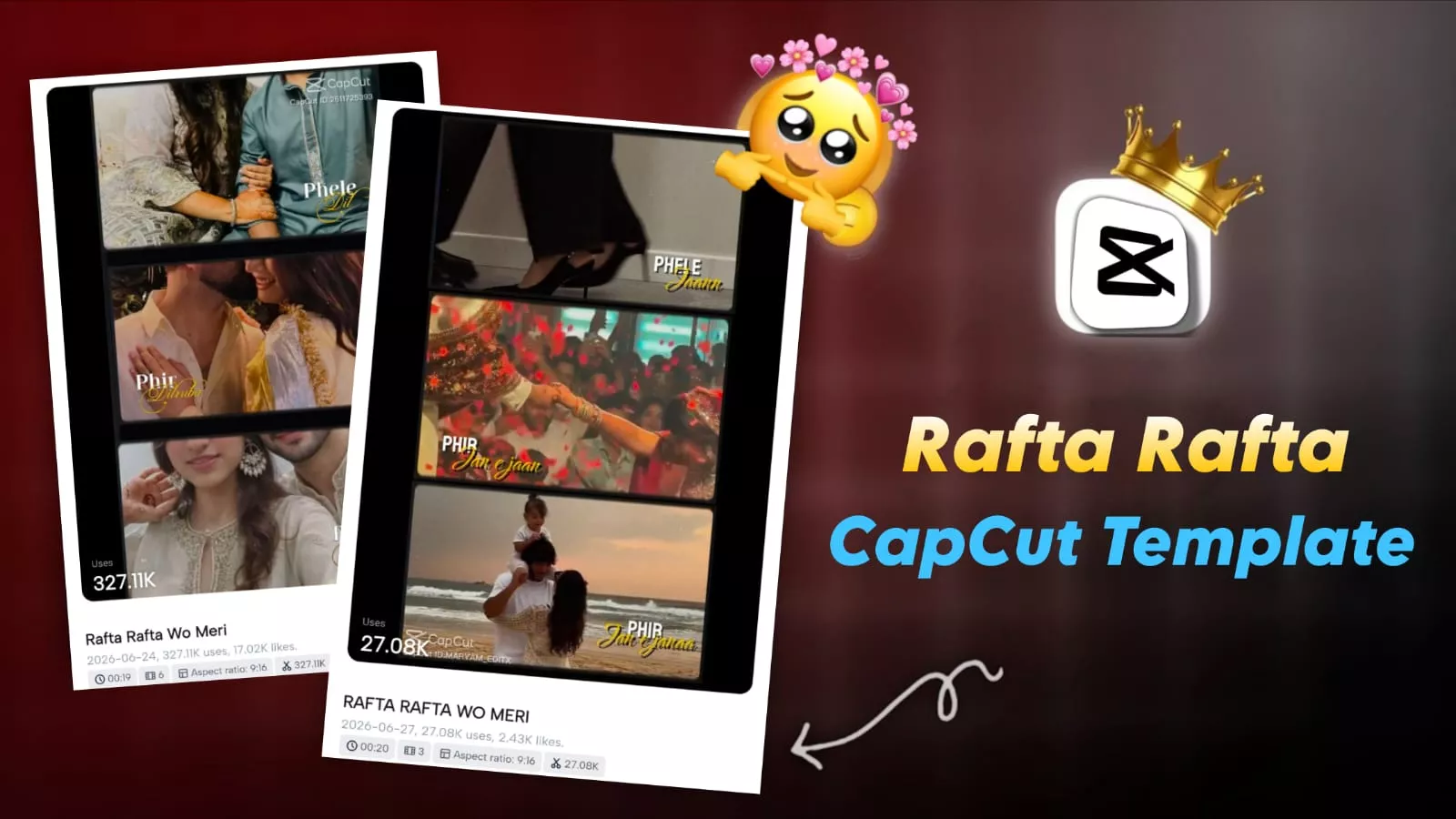
Rafta Rafta Capcut Template – “Three-layer” photo edits are currently going viral on Instagram. People are creating videos using three-layered versions of their own photos. You should definitely try this viral editing style too, as it allows you to use various clips and incorporate different reactions. In this article, we will discuss this trend and explain the process for creating such a viral video. I will guide you through the correct steps to create these photos effectively; simply follow the instructions precisely to make your own.
Details Of Rafta Rafta Capcut Template
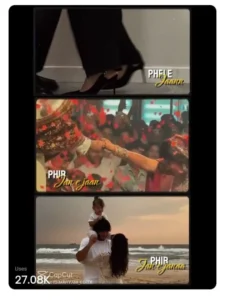
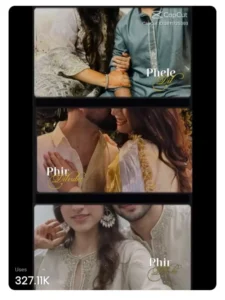
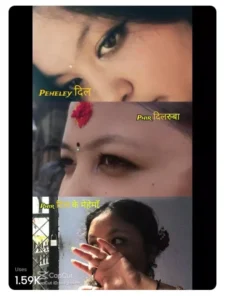
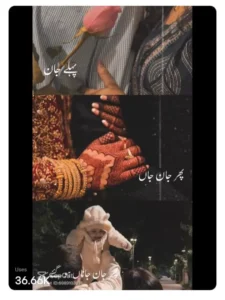
Look, if we talk about this editing, then something like this happens in editing. First, when our first lyrics come, then our first clip is shown at the top. Then after that, when the second lyrics come, our second frame will be shown. In the third one, the third frame will be shown, similarly our video continues. Then after some time, our full video starts coming, so here in place of the video, you can use your real couple photo or even if you are single, you can use your good clips, presenting a little creative mind, you can use good photos here and see, your photo will also go viral.
Why This Editing Is Going Viral?
You might be wondering why this particular style of Instagram editing has gone viral. While standard or aggressive editing styles have their place, audiences are really appreciating edits set to classic songs in slow motion. Trends dictate what works, and right now, the trend involves “three-layer” editing to create the perfect video—so it is definitely something you should try. All you need to do is have a few video or photo clips ready, and the process will automatically generate an amazing video for you. I will walk you through the steps; just follow along to create yours.
How To Record Clip For This Editing
We will create this edit using CapCut, so let’s first discuss how to record the clips. I’ve already given you a general idea of the video or photo clips needed, but if you want to create a perfect video—guys, here is what you should do: capture photos or record videos showing various expressions. Make sure not to use portrait-mode shots; stick to landscape orientation instead. The same process applies to the girls as well—do not use any portrait-mode clips, as they will get cropped, resulting in a poor-quality outcome. After that, simply arrange your clips—featuring those different expressions—and your video will be ready and looking great.
How To Use Rafta Rafta Capcut Template
To create this edit, you will need a template. Open the CapCut app and navigate to the ‘Templates’ section, where you will find various trending templates. Select the one you like best and click on it. Simply add the required number of clips and click ‘Next’; the app will then generate your final video. Finally, export it, and you’re all set. There is one more thing: if you want to replicate this edit exactly, click on the template link. This will take you to CapCut, where you just need to add the clips to create the video, resulting in a perfect edit.
Conclusion
You can do this viral editing just like this. I’ve already shared the details. Just follow along and create it, and you’ll get much better results.