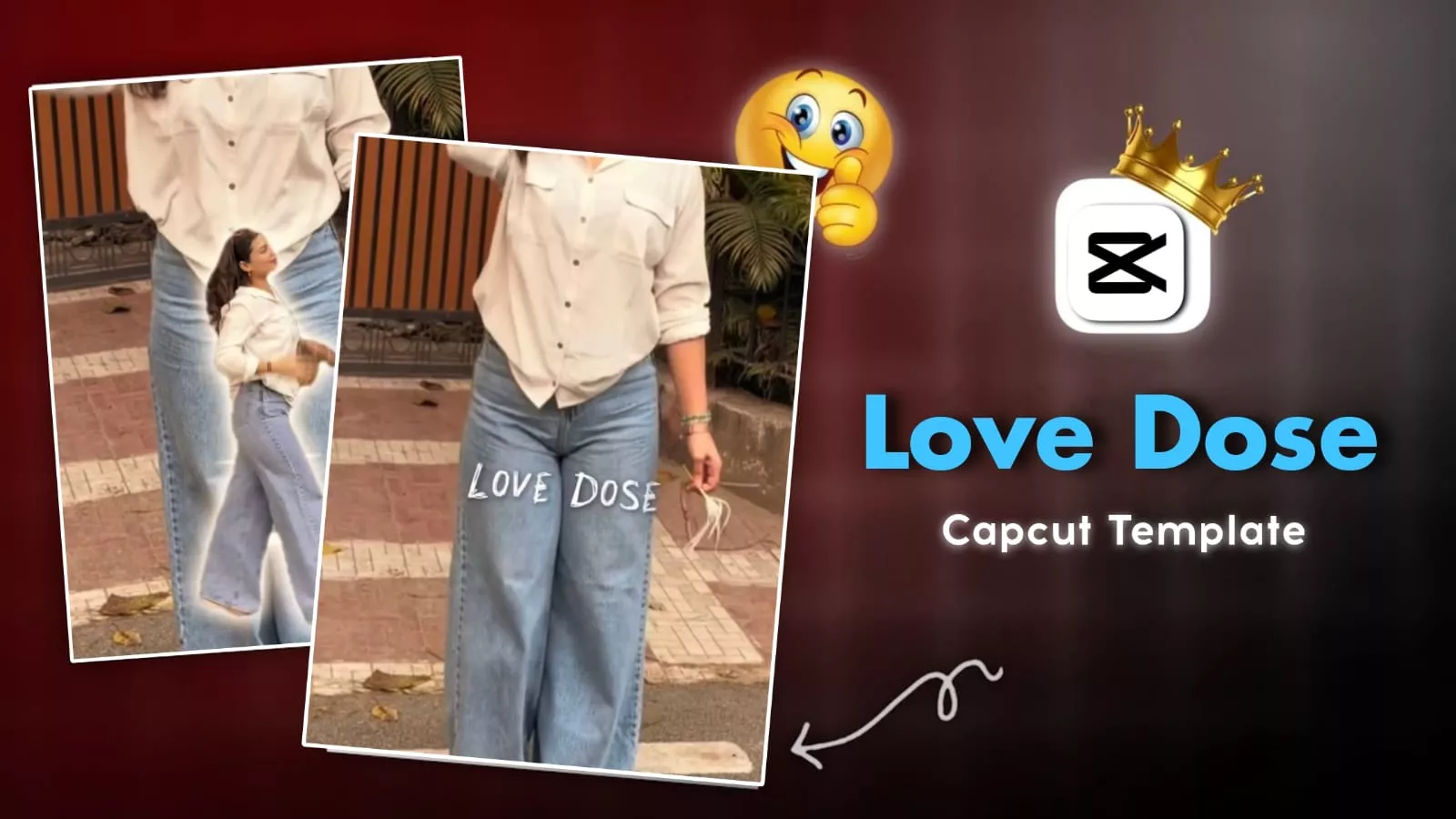
Love Dose CapCut Template – As I know, if you want to create a trending video on Instagram, you’ll need to create a video that’s truly trending. If you don’t use unique editing techniques that are relevant to the current times, your video won’t be viewed. Let me tell you, creating one on Instagram is incredibly easy these days. You can create it by following a few simple steps. Just follow my instructions. Continue creating. I’ll explain the rest of the details in this article. Our mission, as always, is to keep you updated. We’ll share new and trending things so you can use them to create your own videos and make them go viral.
Template Details ?
Look, this is an Instagram edit. It’s based on a song by a big singer. You may have heard of Honey Singh. At one time, his songs were incredibly popular. His old songs are a favorite among the public. If you’re still a fan, you should definitely create this edit. Even if you aren’t, you should definitely give this edit a try, because this edit is incredibly popular. And let me tell you, many people are working online to create it. But no one knows the correct method. Look, it’s like this: your video is normal. Then, a cutout effect appears. What is this? It’s split-type, meaning you may have seen it before. Previously, the cutout effect was normal. It would pop up at the top and be set on your video. That’s not the case now. What happens now is that it drops. There, it’s revealed, divided into three parts. It looks quite impressive. It’s actually shown twice. This is why it’s become a center of audience interaction.
How To Blur Background In CapCut ?
If you want to blur your background using Capcut, many people may have already told you different methods. However, my method is unique and the simplest. So that you don’t have too many problems and can easily create it. To create it, there are just a few steps you need to follow. For example, what you need to do here is first add one of your videos to Capcut. After adding the video, what you need to do here is create a clone of the video. Click on “clone” and the option to “duplicate” will appear. You need to duplicate it. Then move it to the overlay. After moving it, it will become smaller in size. You need to make it match perfectly with our main layer. Now, what you need to do here is go to the “Remove BG” option. Select “Auto Removal” there. This will remove the entire background except your body. Now we need to apply a blur. Click on the layer. There, we’ll go to the Effects option. From there, we’ll select the blur we think is appropriate. We’ll set its speed to zero so it doesn’t fade too quickly. Then, adjust the amount of blur you want and set it accordingly.

How To Use Love Dose CapCut Template
Now, let’s use the template to see how you can create videos. Creating a video using a template is a very easy task, but you must first understand what Capcut is. You must use the official version. Only then will it work for you. I also want to point out that this isn’t the official Capcut page where I’m providing the template, nor is it an affiliate link. I’m providing it for my subscribers so they can use it to create their own videos. I want to point out one more thing: Capcut doesn’t work in some places. They have restricted their servers in certain areas. You’ll have to wait for that if it doesn’t work for you. Now, click the button. After clicking, you’ll be taken directly to Capcut. There, you’ll find the option to “Use Template.” From there, add your clip and your editing will be complete.
At The End
You can create amazing videos using these trending templates. We’ll continue to share more trending template ideas in the future. If you like them, keep visiting our website. You’ll always learn something new and try new editing techniques.