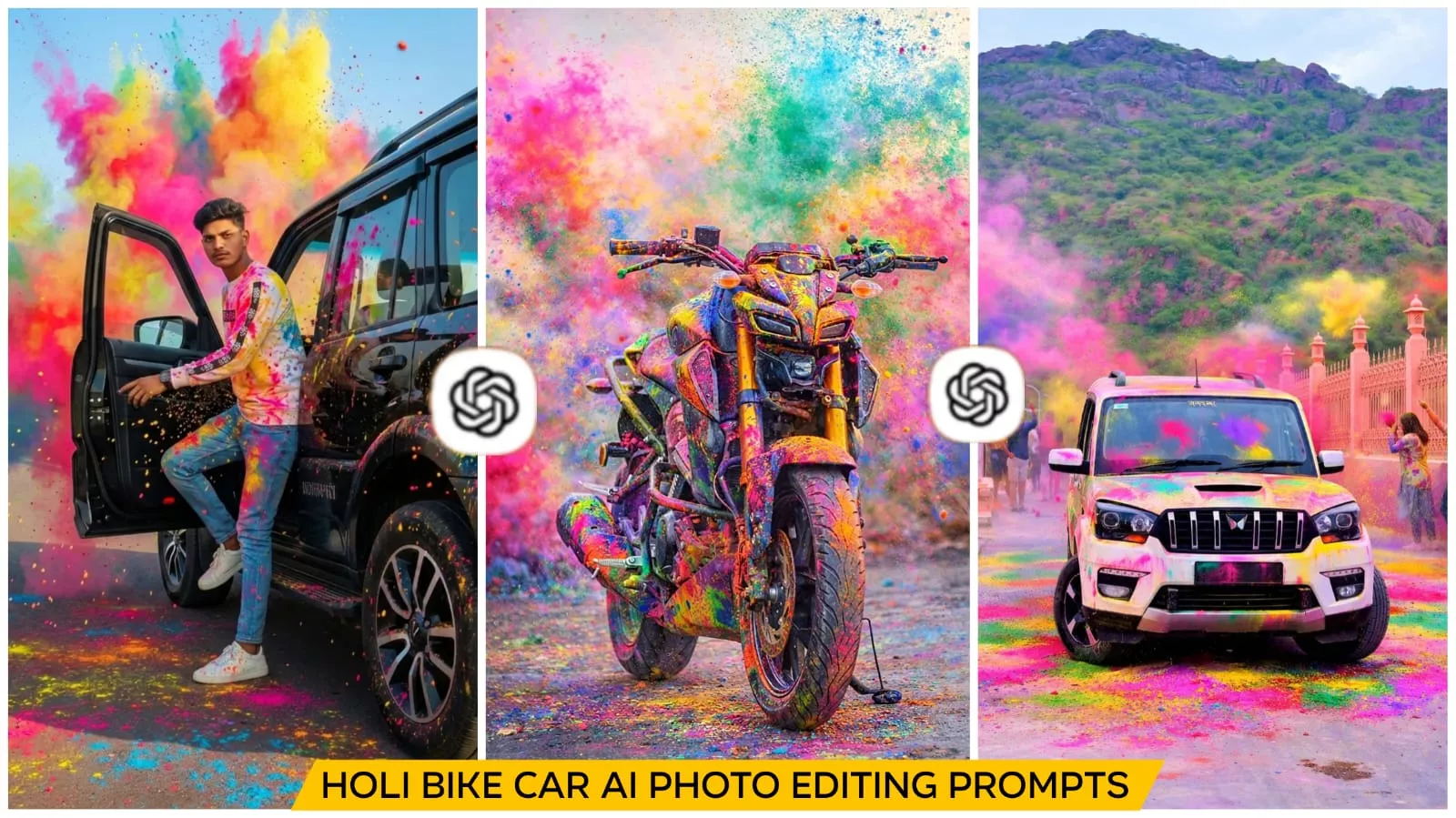
Holi Bike & Car Ai Photo Editing Prompt – During Holi, people prefer their bikes and cars instead of their normal photos. They’re converting those photos into Holi photos. Let me tell you that these days, even such photos can go viral on social media. I can tell you how you can create such photos. If you’re a bike or car lover, creating such photos will be very easy. In this article, I’ll explain how you can create such photos using a prompt, which we’ll use in Chat.gpt. If you’re a Chat.gpt user, this will be very easy. Even if you’re not, I’ll make it easy for you.
Why is this trend for Holi photos growing?
Look, it’s spread from boys and girls to couples, and now even your car. If you love your bike or car, you can convert your photos into similar ones. Your bike will be in the correct position, just the colors will be on the side. The colors will be added so realistically that it’ll look absolutely stunning. These are 100% realistic colors. If you also want to post a Holi photo with your brother, many people want to post a Holi celebration photo with their new car, but it’s difficult to click Create Photo on such a car or bike every time, because you either won’t be able to apply the colors properly, or many people don’t want to apply the color at all. So, it’s best to simply use your own template. These colors will easily appear in your normal photos.
How To Create With Holi Bike & Car Ai Photo Editing Prompt
Let’s understand the process of converting bikes and cars into Holi photos. The first step here is to park your bike or car in a certain location and click a photo. You can do this outside your home or anywhere else you’d like. What you need to do next is use the photo in your chat.gpt. To do this, first copy a style prompt from here. Copy and paste it into your chat.gpt. Then, click the “plus” option and upload the photo. When uploading, I’d recommend setting the photo quality to high. This will ensure that the generated photo is generated in a high quality. Just wait a few seconds until the colors are added to your photo, creating a realistic, yet realistic image. All you have to do is save it. If you want to edit it this way in the future, apply the copy-paste method and your editing is complete.
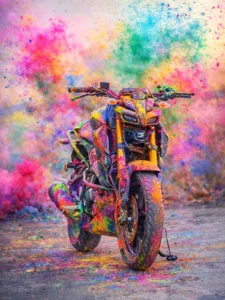
Convert this into a photo where Holi colors are flying over the motorcycle, and the motorcycle is completely covered in colors.
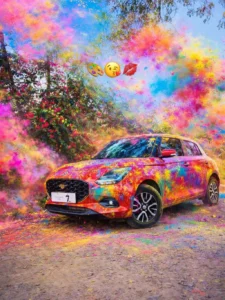
Ultra realistic 4K cinematic photo of my car fully covered in vibrant Holi colors. Bright pink, blue, yellow, green and orange gulal only on the car body (roof, bonnet, doors, mirrors, tyres). Background clean and natural, no colors in background. Wet color texture, glossy reflections, detailed powder particles, sharp focus, festive Holi vibe, professional photography.
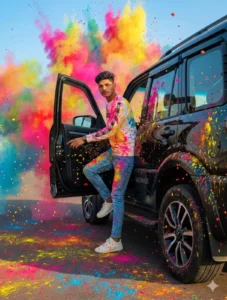
Add realistic Holi festival color splashes to the existing photo. Keep the original face, pose, background, lighting, camera angle, and composition exactly the same. Apply vibrant gulal powder in pink, yellow, blue, and orange on the face, hair, clothes, boat, and slightly in the air around the subject. Colors should look natural, soft-blended, and photorealistic with fine powder particles and light splatter details. Do not alter facial features, skin tone, body shape, or environment. Maintain original depth of field and overall image quality.
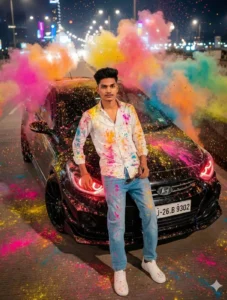
Add realistic Holi festival color splashes to the existing photo. Keep the original face, pose, background, lighting, camera angle, and composition exactly the same. Apply vibrant gulal powder in pink, yellow, blue, and orange on the face, hair, clothes, boat, and slightly in the air around the subject. Colors should look natural, soft-blended, and photorealistic with fine powder particles and light splatter details. Do not alter facial features, skin tone, body shape, or environment. Maintain original depth of field and overall image quality.
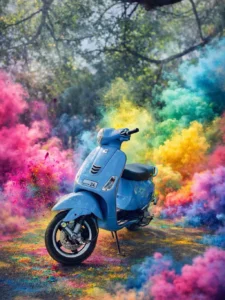
Add colorful Holi powder splash and vibrant color smoke around this vehicle. Do not change the vehicle model, design, shape, or number plate. Keep the original Vehical exactly the same. Only add realistic pink, green, yellow, and blue powder effects and cinematic smoke background. Ultra realistic, high detail, natural lighting, professional photography look.
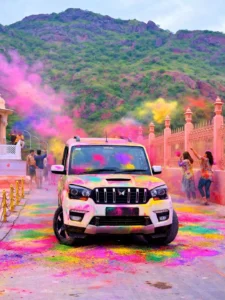
Ultra-realistic 4K cinematic shot of my car, completely covered in bright Holi gulal. Vibrant pink, blue, yellow, green and orange colors applied only on the car body — roof, bonnet, doors, mirrors, tyres and road also. Clean natural background with no color splashes. Wet powder texture, glossy reflections, visible fine particles, sharp focus, professional photography, festive Holi atmosphere.
What are the benefits of editing vehicles like this?
Nowadays, many such editing videos go viral on social media, like Instagram, Facebook, or YouTube, where people are seen converting their bike photos from normal to modern. They record the editing process I described and create a tutorial to show people. You should do the same. Your video can garner as many shares as possible. It can be used for branding. It creates attractive content for automobile pages. If you run an automobile page or channel, you can create a collection of your cars or vehicles there and convert them into Holi photos. It can also be useful for showroom promotion. There are plenty of options; you just need to use them wisely.
Safety and Ethical Considerations:
When using this, you should always keep a few things in mind. You cannot use anyone’s car or bike photos without permission. You cannot misuse anyone’s branding or logos, nor can you make false advertisements or make false claims. You cannot misrepresent photos in a misleading way. This is an AI tool, so it’s important to use it responsibly.