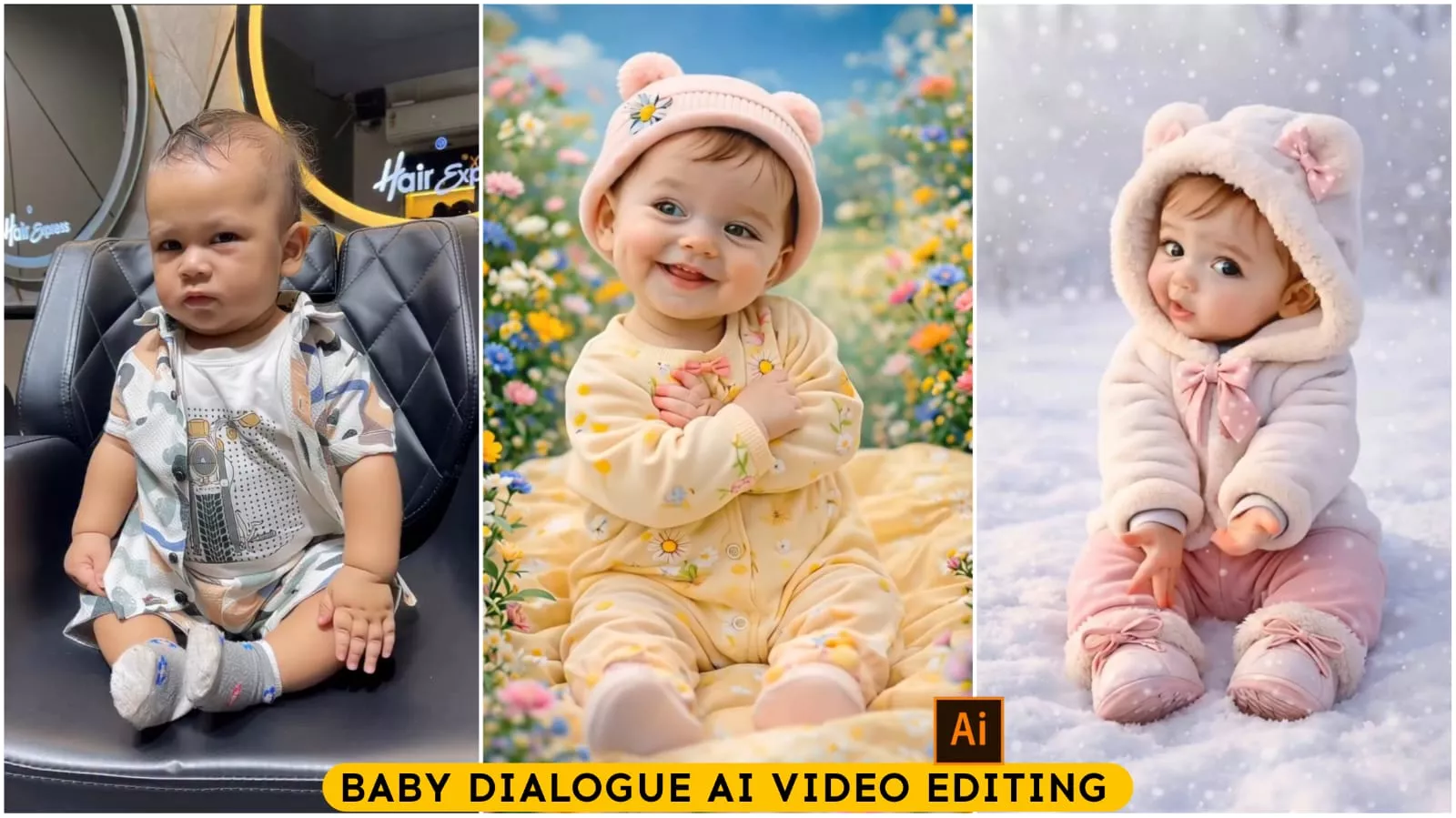
Baby Dialogue Ai Video Editing – You must have seen this on Instagram or any other social media platform. People are really enjoying videos of children lip-syncing to dialogues. Why are they so popular? You’ll understand once you watch the videos yourself. If you’ve seen them, you’ll know how attractive these videos are. Anyone who watches one of these videos usually watches the whole thing because of how they’re created. A picture of a child is taken and then animated. This is done by using a reference from another video, adding it to the child’s picture, and then animating the whole thing. If you want to learn how to create these kinds of videos and even build an Instagram page using them, I’m going to tell you how. Follow us!
Details Of Baby Dialogue Ai Video Editing
You’ll see videos like this. There will be a boy, and he’ll be speaking with such realistic expressions that it will seem like he’s actually talking, but you’ll realize that a young child couldn’t possibly speak so quickly. When things like this happen, people are amazed, thinking, “Wow, look how well this child is speaking!” So, what you’re seeing is that a viral trend’s reference audio or video is being used, and our video is being created with the exact same expressions. I’m going to tell you which tool we’ll use for this. If you read this carefully, you’ll understand how to create it, because once you understand it, you can create many different types of videos like this.
How To Create Baby Video
To create a video, you’ll see a button I’ve provided. It says “Create Your Video.” Click on it, and it will open a website called Higgsfield AI. This website offers several AI tools. You’ll find a search option there. Search for “Motion Control.” If you don’t find it, you’ll see a star icon below. Click on it, and you’ll find the Motion Control option. Select it. First, you need to add your video in the first section. Then, in the second section, upload your photo. You can upload a photo of the same person from the video, your own photo, or anyone’s photo, but please do not misuse this tool. I’m telling you this beforehand. After that, you’ll see a “Generate” option. Click on “Generate,” and your video will be created in just a few seconds. When you sign up, you’ll receive some credits. With a single sign-up, you’ll only be able to create one video for free. Otherwise, you’ll have to purchase credits.

Note –
One more thing, if you’re creating videos like this, I want to share a special tip with you. Whenever you create videos like this, create videos on trending topics and then create a separate account for it, because this kind of content is going very viral right now. If you upload these kinds of videos with different reactions, your account will grow very quickly. You need to create videos based on whatever is currently trending and popular. You can even use your own photos instead of a child’s picture, or you can generate some unique characters.
Conclusion
In this article, I’ve shared all the tips and tricks with you. I’ve also explained how to do it and how you can create and make it go viral. I’ve explained everything from A to Z so that you can create this video and upload it successfully. Because creating it is one thing, but to make it go viral, you need to follow a specific process.