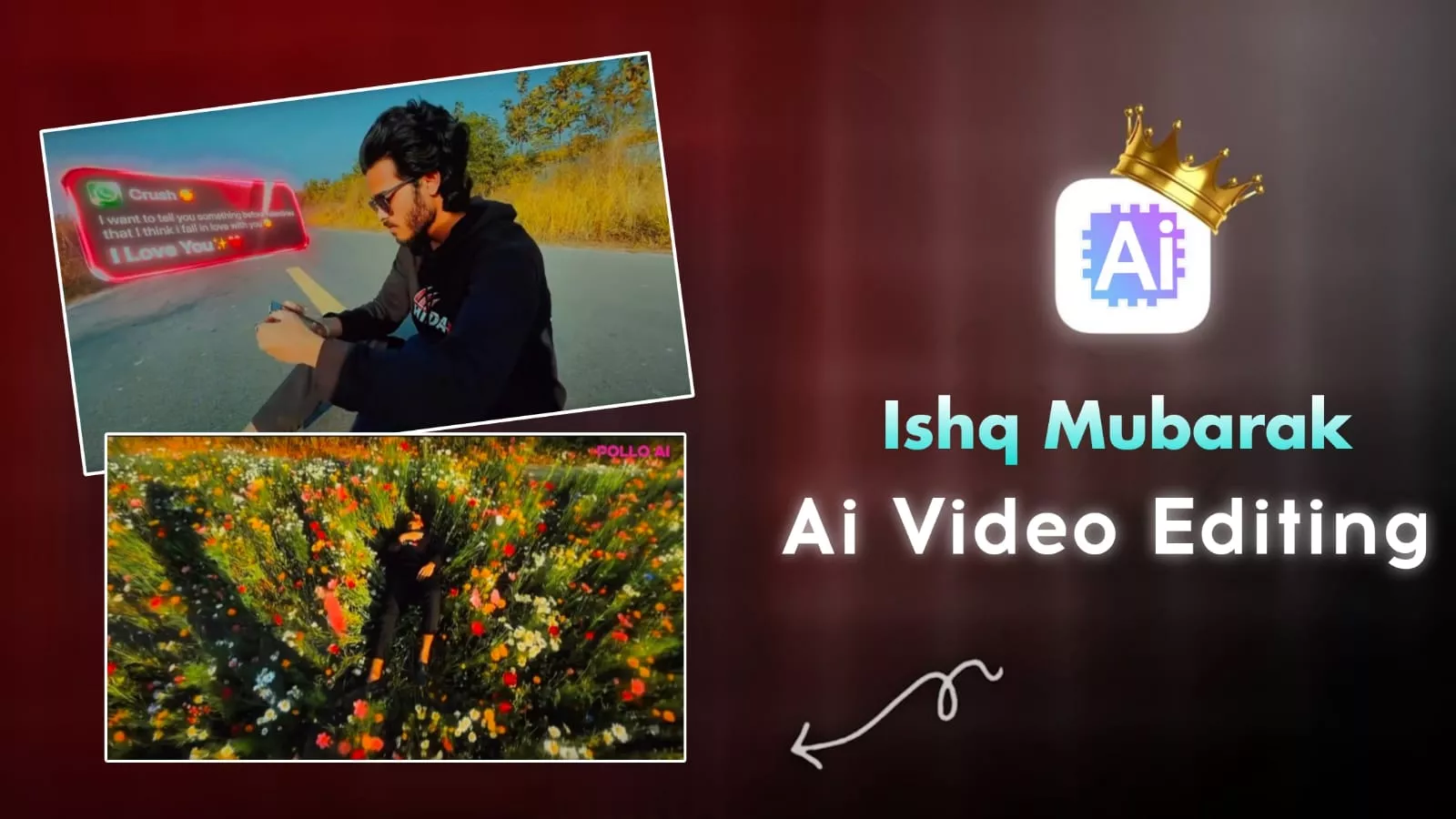
Ishq Mubarak Cinematic Ai Video Editing – You’ve probably seen this viral video on social media. You’ll notice that a message arrives, and as the boy falls asleep, the empty field transforms into a field of flowers. People are loving this kind of video, and I’ve noticed that since so many people are liking it, why not share its editing with you and tell you about it? Creating this kind of editing is very easy. Once you’ve created it, your video goes 100% viral. In this article, we’ll learn how to create such a video using AI. We’ll also explain all the steps, and if you don’t miss them, your video will be 100% ready.
Details Of Ishq Mubarak Cinematic Ai Video Editing
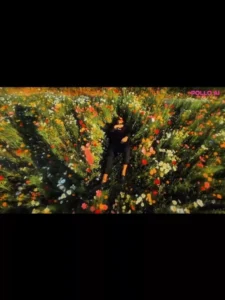
Look, in this video, it looks like you’re holding your mobile phone. As soon as a message arrives, it’ll bring up a preview of the message. Whatever’s written in it will be displayed. Then, you’ll lie down on the ground. Immediately after you lie down, your barren land will transform into a field of lush flowers, and you’ll be sleeping in the middle of it. It’s quite fascinating to watch your normal video transform into a field of lush flowers, becoming cinematic. Therefore, we’ll learn to first convert it into a photo, then convert it into a video. You’ll need to understand all these steps. If you miss them, you’ll have problems.
Editing Process
To perform this editing, first add your audio and your regular video to the Capcut application. Then, split the music at the part where you want to apply this effect and delete the next part, as we don’t need to keep it there. Now, take a screenshot of the last frame and crop it to the desired size. What do you need to do next? Generate the image, which I’ll explain in the next step.
How To Create Image
Now you have to open Google Gemini and I will give you a prompt here. You copy it and paste it in it. Then go to the plus option and upload the same screenshot which you had taken in the Cap Cut application. You can give Cap Cut. You can use any other application also. I have told you this for the best result and then after that you generate your normal photo in which you might be lying there or might have already laid down. What will happen is that it will convert it into another photo with flowers. Now you will say that this is just the photo converted. Where is the video? I will tell you the process for the video later. You just follow it!
Edit the uploaded image.

Strictly keep the original person exactly the same.
Do not change face, skin tone, hairstyle, clothes, body posture or proportions.
Do not zoom in.
Do not crop.
Keep the exact same camera height and body size as original image.

Replace only the background and ground.

The person must be lying naturally inside a very dense wild flower field.

Camera must remain high top view but far enough to show full body clearly.
No zoomed perspective.
No dramatic lens distortion.
Natural 35mm lens look.

Flowers must be tall long-stem wildflowers, waist to chest height.
Extremely dense and tightly packed around the body.
Flowers touching shoulders, legs and arms naturally.
The person should look partially surrounded but not artificially covered.

No empty ground visible.
No road.
No trees.
No background blur.

Use realistic natural flowers (cosmos, wild daisies, small sunflower type, poppy style).
Colors: pink, white, yellow, red, orange.
Add realistic green stems and leaves.

Golden hour sunlight.
Natural shadow direction matching original body lighting.
Ultra photorealistic.
RAW photo style.
DSLR natural photography.
High texture detail.
No painting style.
No CGI look.
Video Prompt :-
the subject's upper body gradually begins to dissolve,and video are zoom out drone shot style animated
How To Covert Image Into Video
To convert it into a video, you will find a Create Video button below. This is a link to the Google Flow website. When you go there, sign up. Then you will find a New Project button. Click on it and you can create your video from there. There will be Text to Video. You have to remove that and make Frame to Video there. What will happen with this is that you can upload both the photos there. Look, here you took a screenshot in the first movie. You have to upload that. Go to the Plus option in the second one and upload the photo which you generated from Google gemini. Then you have to paste the video prompt which is given on our website. You can copy it and paste it here. Then after that click on Generate, it will convert your normal photo into that part.
Conclusion
For final editing, just take a screenshot of the last frame of your video and add it there. The video will be converted from normal to this type of video, where your empty, barren land will be converted into a field full of flowers. You can create such a video this way. I’ve explained all the details. Now it’s up to you how much of it you understand and what you don’t. Please let us know in the comments.