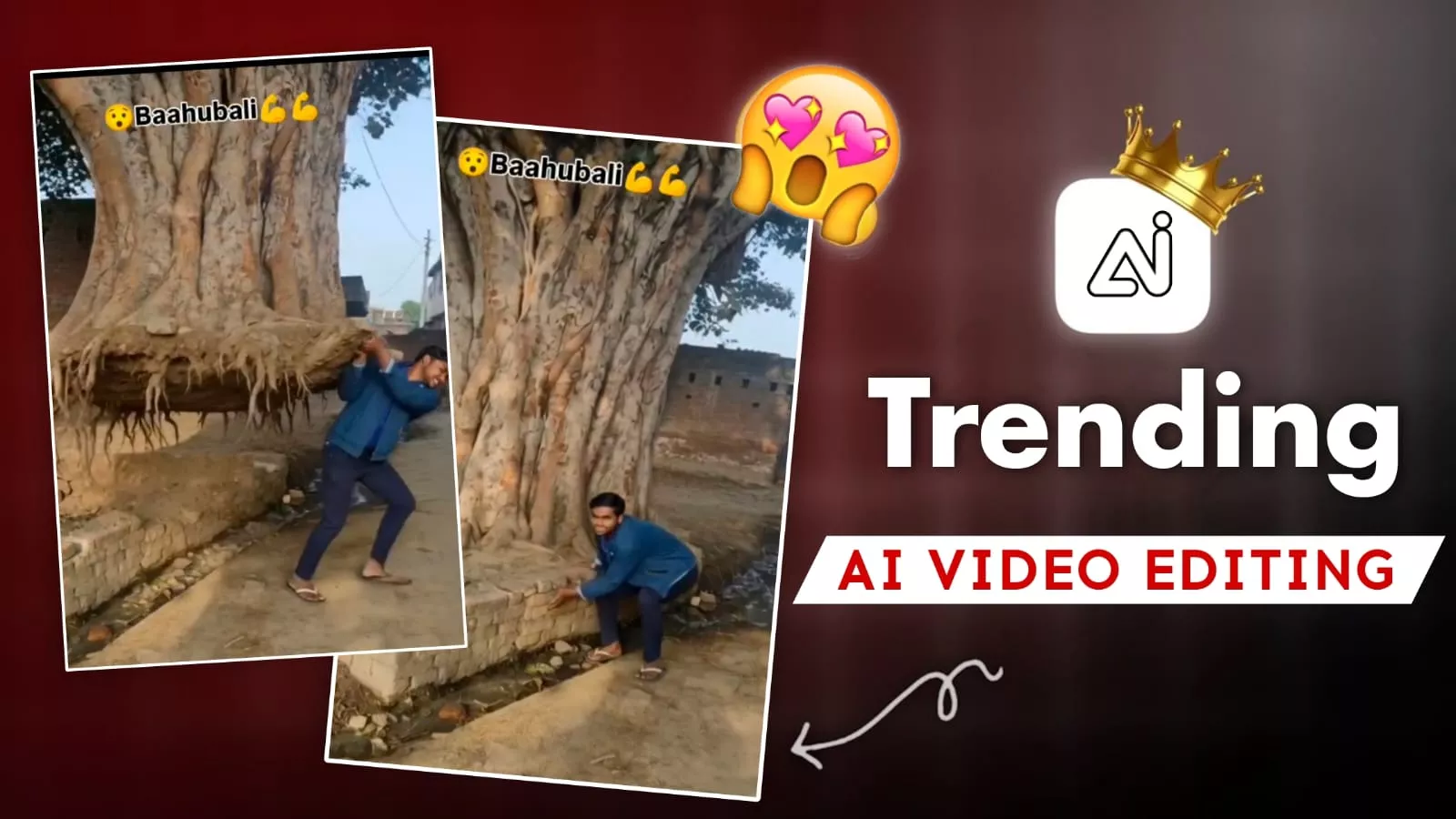
Tree Uproot Ai Video Editing – Look, right now, AI is being used to create YouTube videos. After watching them, you won’t believe that such things are possible. But let me tell you, this kind of trend is going viral on Instagram, so I thought, why not share a tutorial with you and show you how you can do this kind of editing? Using a simple prompt and a simple photo, you can create such viral photos. If you want to learn about this properly, I’ll share the details with you now. I’ll tell you how to create it and how your editing will go viral after creating it. I will explain everything to you properly. I’ll share the details with you. Let us know in the comments what kind of results you get after creating it.
Tree Uproot Ai Video Editing
Now understand how important editing is. People will tell you that this is how editing is done correctly, but here you’ll see a boy standing. Then, there’s a tree in front of him. He starts lifting the tree and carrying it away, which is something that’s not possible in real life. But here, using AI, this has been created in such a realistic way that people can’t believe it; many people think it’s real. But let me tell you, if you want to create a video from photos like this, I’ll explain how. I’ll tell you which photos you need to select. If you want a good result, my job is to show you how to edit to get that good result.
What kind of photos will you need?
You need to understand this clearly. While you can usually use any normal photo, if you want to create this specific type of photo video, you’ll need photos that include a tree. Let me explain the style. You need to stand in one place and have a tree visible nearby. There should be a tree to your side. Only then, when you use the prompt to create the video, will the character in your photo reach out to the tree and then carry it away. That’s how it works. So, I’m telling you that the photos you use must have a tree in the foreground or to the side. Only these kinds of photos will work. Don’t use photos without a tree; you won’t get good results. Then you’ll say that the editing isn’t right, even though it won’t be my fault.
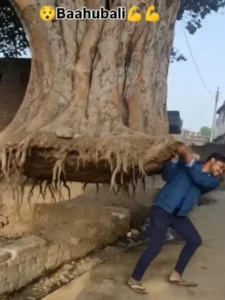
A highly realistic cinematic animation using my uploaded photo as the source, focus on the same tree visible in the photo. The main subject in the photo stands beside the tree. The ground begins to crack and shake slightly, soil particles breaking apart. With natural body motion, smooth breathing and realistic muscle movement, the subject pulls the tree from the ground using both hands. Roots detach gradually with dirt and broken soil falling down. The subject lifts the tree above shoulder height and walks forward, carrying it naturally. Smooth and physically accurate movements, subtle hair and cloth motion, shallow depth of field, camera tracking, soft sunlight, natural shadows, 4k hyper-realistic cinematic style, no exaggerated expressions.
How do you create this video?
Making the video is very simple. Here’s what you need to do: First, search for Google Flow, and then you’ll find a Google website. Open it. You’ll need to create an account there. Create it using your email ID. Then, go to “New Project.” There, you’ll find the “Text to Video” option. Change it to “Frame to Video,” and as soon as you click on it, you’ll see a plus icon at the bottom. Click on it and upload the same photos whose details I just shared. Then you’ll get a video prompt. Copy and paste it from our website, and after pasting it, generate the video. You’ll just have to wait a few seconds. It will create an amazing video for you, and you’ll be surprised by the result.
At The End
And we have now created this trend very easily. I’ve given you all the details. I’ve explained how you can select a good photo and how you can get great results, because anyone can tell you anything about editing, but they can’t tell you about the perfect techniques. As we explained, if you select a photo like this, you will get a 100% perfect result. You have to do exactly the same. You need to select the perfect image, and your editing will be absolutely perfect.