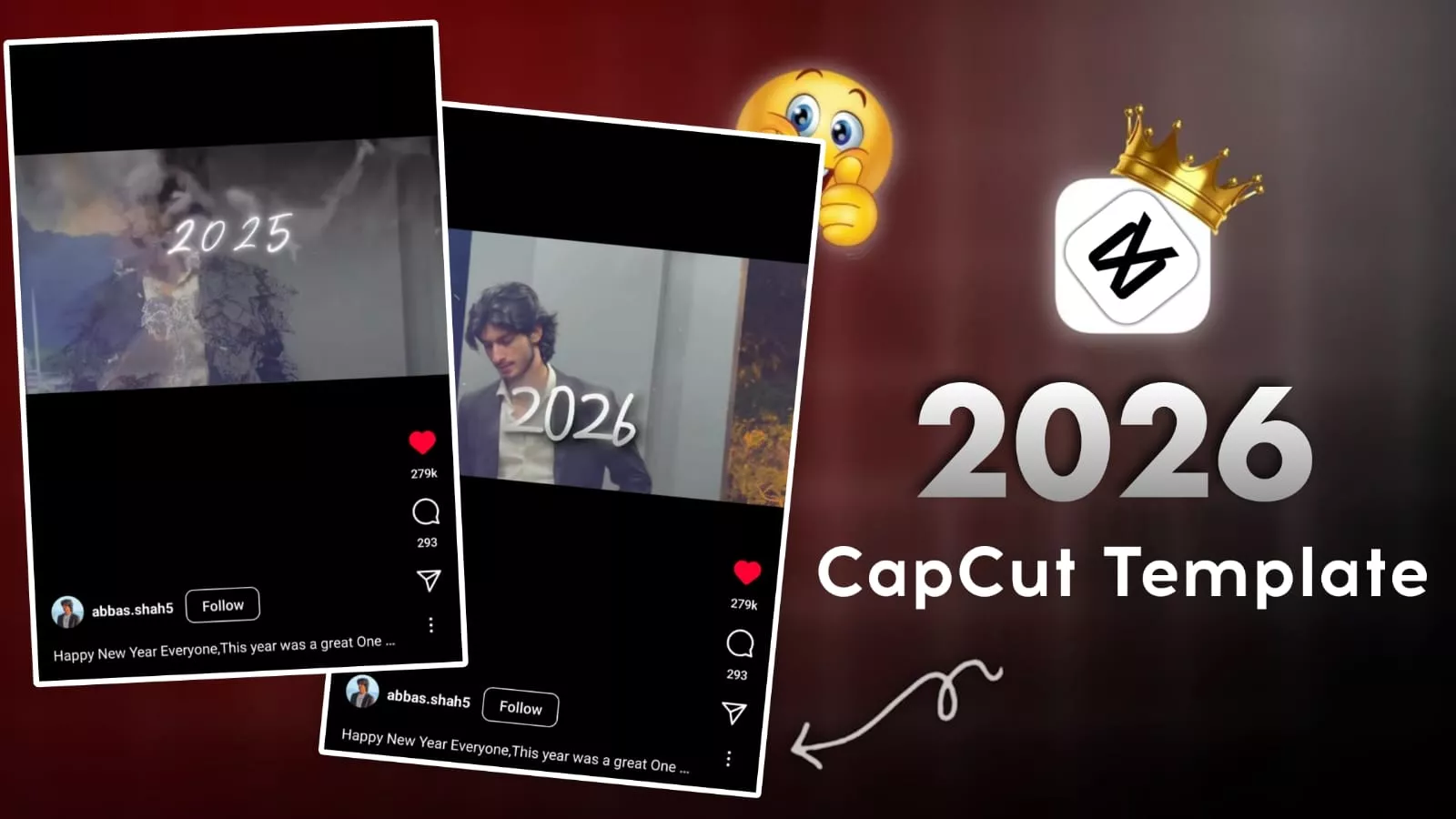
2026 In But 2025 Capcut Template – The new year is coming, and you still haven’t created that viral New Year’s photo or video? What are you waiting for? I’m going to tell you how you can create a viral video. You don’t need to put in much effort to create this kind of video because we’re going to provide you with a template, and this template will make your editing incredibly easy. You can do it step by step. I will explain the entire process to you. I’ll tell you which template it is, how to use it, and explain everything in detail. Once you understand it, you’ll realize how amazing the results are. You’ll also get many more tips and tricks about editing.
Details Of 2026 In But 2025 Capcut Template
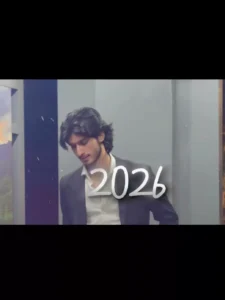
This viral New Year video didn’t go viral because of the New Year theme. Let me tell you why it went viral. The main reason is that at the beginning, you’ll see a text displaying “2026.” Besides the text, you’ll also see something else. Let me explain. There’s a flashback effect to 2025, and it includes a disappearing effect, which is called Stardust. This effect is also applied. This is the main reason for its virality, because it’s right at the beginning, and then the text “2025” appears. Our flashback effect comes in, and plus, the character disappears. This is really amazing. It makes you feel like you’re reminiscing about your best memories of 2025.
What Is This Flashback Effect?
How do you apply it? First of all, let me tell you that you don’t need to apply this effect in this template. It’s already set in the template. You just add the video clip, and the effect will automatically be applied. Now, another thing: what if you want to apply it to another video? To create a flashlight effect, you will need many photos. Let me tell you how to create and apply it. What you need to do is open all your photos in any video editing application. There, you need to set the duration of each photo to zero seconds, making it as short as possible. Do this for all the clips. Then, apply a black and white filter to all the clips. This will make your entire video black and white. Just export it, apply the effect, and then you can set it using a mask or you can apply it as an overlay.
How To Use This 2026 In But 2025 Capcut Template
Using this template is incredibly simple. You just need to select the template that works best for you. Once you’ve found the right one, click on “Check Template,” and you’ll see the original video for that template. You can watch it there. You’ll also have the option to save it if you’re already logged in. You can save it for future use, or if you want to use it immediately, just click on it. Then, you’ll need to select the clips you want to use, according to the requirements. After adding the clips, click “Next,” and it will prepare a final version of your video. Once you’re happy with the editing, simply export it, and your video will be ready.
Conclusion
This is how this trending editing works, and you can create your own videos using this viral editing style. I’ve shared all the details with you. Use this for your editing and create your video, and let us know how your video turned out, because we’ve done our best to teach you good editing techniques. If you get good results, please let us know. If there are any shortcomings, please explain them to us as well. Also, understand that this template is a CapCut template and not an official template from our website.