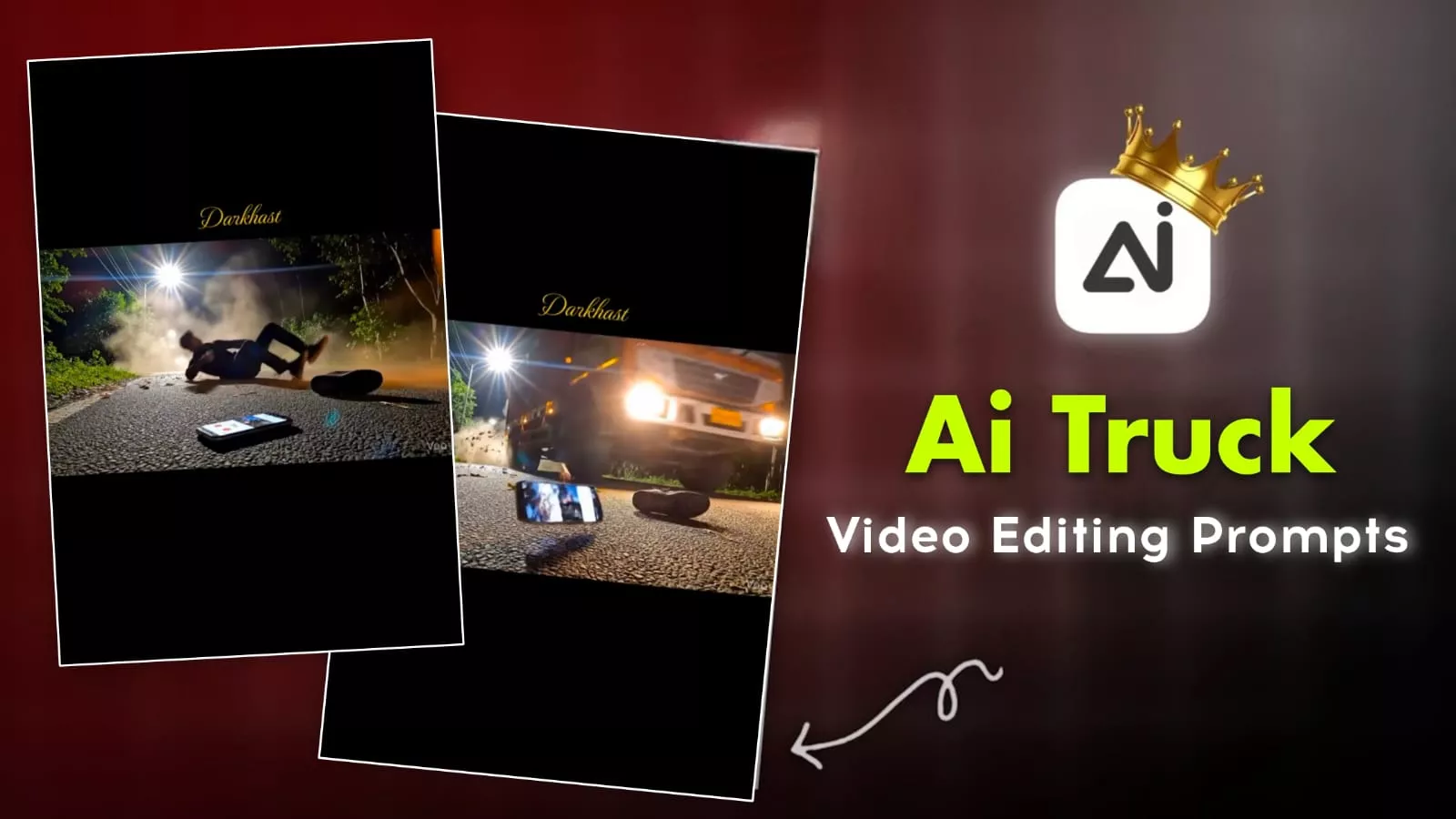
Ai Truck Jump Video Editing Prompts – If you want to create AI videos that go viral, I’ll show you how to make this kind of trending edit. In this video, I’ve explained an editing technique that’s currently very popular on Instagram. You only need one photo to create it. What is this editing technique? How can you create it? I’ll explain it to you step by step. You should definitely try it; you’ll be amazed by the results and wonder how this kind of editing is even possible, because it requires a lot of effort. It’s a very realistic type of editing. We’ll also discuss how to select the right music for it.
Details Of Ai Truck Jump Video Editing Prompts
In what different ways will you see this video? Everything is AI-generated. Just pay attention to it. What happens is, a truck goes by, and then you’re shown a road with someone sleeping on it in the background. Then a song starts playing. That’s all there is to it, and it has become very trendy because creating such realistic things is very difficult, and you probably wouldn’t be able to record this kind of video yourself. Nowadays, you’ll see that AI videos are mostly used to create these kinds of things, and you should do the same. If you’re looking at trends, and something is going viral on Instagram, you should follow that trend and create your own video. You’ll get the best results, and your video will likely go viral too.
How Do You Generate A Video For This?
First, you’ll see a prompt provided here. Copy it. After copying, you’ll find a “Generate Video” button below. Click on it, and you’ll be taken directly to the Google Flow website. Here, you need to go to “New Project.” First, change “Text to Video” to “Ingredients to Video.” After clicking on this, go to the plus icon and upload a photo. The photo should be a selfie type. Then, paste the prompt you copied. After that, go to the plus icon again and upload another photo. Then, simply click generate, and your video will be created and ready.
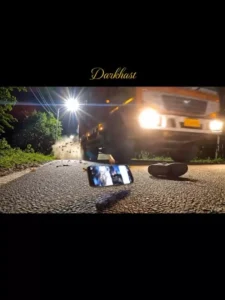
Cinematic extreme low-angle side view, fixed camera placed directly on rough Indian asphalt at night. The scene captures a violent hit-and-run taking place from left to right. A massive, dull brown-orange Indian commercial truck (Tata / Ashok Leyland style) with yellow reflective strips is roaring past the frame, its side profile heavily blurred by speed. A massive, chaotic cloud of dust, dry leaves, and debris explodes forward from the front of the truck, indicating a recent frontal impact.

In the immediate foreground, inches from the camera lens on the cracked road surface, a modern smartphone with a lit, cracked screen is tumbling wildly mid-air across the asphalt. The glowing screen clearly shows an active video call interface with the contact name "My Girl" . Next to the tumbling phone, a single sneaker is also skidding across the road.

a human figure from the reference image loses balance near the rear side of the truck. The motion is implied and natural, not sudden or artificial. The body enters the frame already in motion, bumped forward by the truck's momentum. Gravity pulls the figure straight downward, with the torso aligned in the direction of travel.

The harsh white Indian streetlight from the wooded edge casts long horizontal shadows, starburst lens flares, and illuminates the swirling dust particles. Cold night tones dominate. The truck’s suspension is visibly compressed from the force. The background is dark forest silhouettes. No camera movement. Photorealistic, dramatic, gritty.
What Is Google Flow?
You get many options to generate your videos, including a text-to-video option. This means you can simply paste text and create a great video. You also get a frame-to-video option, allowing you to upload your photos and add prompts to create a specific type of video. Similarly, with the ingredients-to-video option, you can upload photos and create videos in different styles. You’ll find various options here, and many more tools. If I were to start explaining all their features, it would take a very long time. So, if you comment below asking about Google Flow, I will write a detailed article explaining all its features and how you can create different types of videos.
Conclusion
I hope you didn’t encounter any problems creating this AI video, as it’s a very simple process. You just need to use a prompt and a photo, and your perfect video is ready. I hope this information was helpful and that you got excellent results.