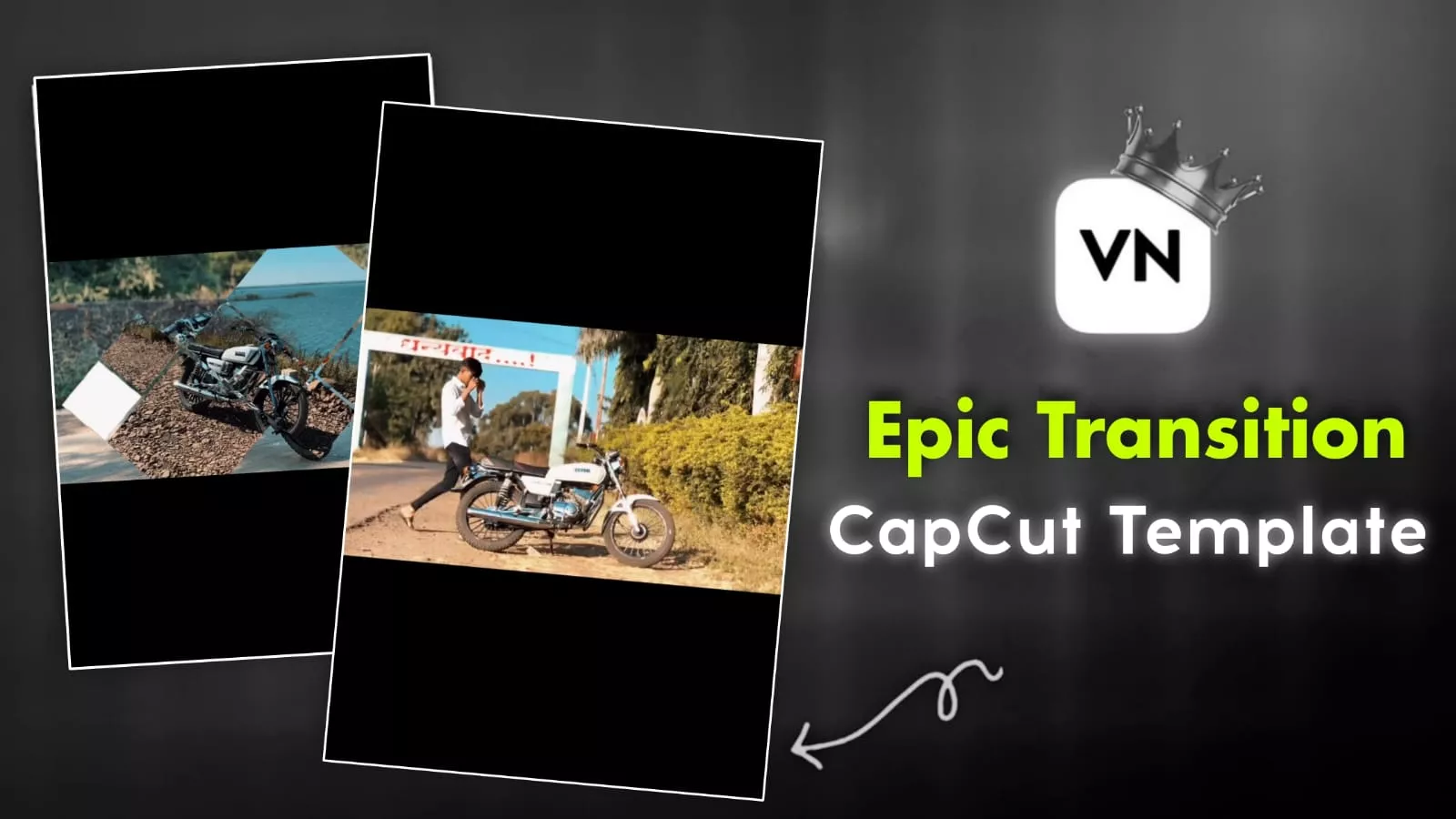
Epic Transition Capcut Template – Look, right now, editing with these masking effects is going viral on Instagram. You can see how many different types of cute effects are available. For example, the video is shown with one mask layered on top of another. This kind of editing is almost impossible for a beginner, but we’re going to make it possible for you. Even if you’re a complete beginner and just learning to edit, you can create this because we’re going to provide you with a template. With the help of this template, you can easily create this viral editing style. You’ll simply add your video clip, and the masking effect and everything else happening in the video will automatically be applied to your video. Let us explain how it works.
Details Of Epic Transition Capcut Template
Let’s talk about the editing – it’s absolutely amazing! Whether you’re a beginner or a professional editor, everyone will love it at first sight. And let me tell you, to create this, all you need to do is prepare your video clips, because whoever created this template has already done all the hard work for you. You just need to add your video clips here. So, how does it work? How do we add video clips? I’ll explain. Let me tell you a little about the effects. What happens is that your video clip is masked with an effect. It will create a mask in the middle of the clip and show a part of the next video. Then it will show the beginning of the next video, and so on. Different types of masks have been created here, and these masks make the editing look even more incredible. The music is also perfectly synced, which makes our editing look even more professional..
Which Type Video Clips You Should Use?
Here’s the type of video clips you need to use. First of all, the video size will matter a lot here because this isn’t a portrait video; it’s landscape editing. If you want to create a video, you need to record your video in landscape mode. Look at the most popular editing style: a guy goes to his bike and just records something simple. He uses that footage, so you also need to record different types of clips of yourself or your bike with different reactions. All the clips you record should be in landscape mode. You shouldn’t tamper with them too much or record them in portrait mode. If you record in portrait mode, the result will be bad.

How To Make Your Video Go Viral?
Look, if you’re creating videos on this platform, you want your videos to go viral. I can share some tips with you for that, and I’m already doing so. Pay attention to these tips. If you like them, you should definitely follow them. What’s the harm in trying? If your video goes viral, you’ll be the one to benefit. Here’s what you need to do. First, you’ve created your video. Now you need to find the audio. Find out where the original audio is coming from and why it’s going viral. If you can’t find it there, that’s the biggest problem – not being able to find the audio. But there’s a solution. On Instagram, find the most trending songs right now. Select the top one. Then upload your video using that song. Now, you don’t need to change the song in your video. Keep the original song that’s already in your video. The song you added separately from Instagram, reduce its volume. Then, in the caption, use some trending hashtags. Generate them and then post. Your video will definitely go viral, and you’ll get a great response.
How To Use Epic Transition Capcut Template
Now, how do you create video? It’s very simple. I’ll explain the steps to you. Follow these steps, and your video will be created 100% successfully. We’ve provided the template here with perfect results. You’ll find a button here that says “Check Template.” Click on it, and CapCut will open directly for you. You’ll see a video preview there, showing how the editing will look. I’ve already given you detailed information about the editing process, but you can still see it there. Then, click on the button below. From there, you need to add your video clips. After adding them, click on “Next.” A preview of your video will be ready. Check if there are any problems with the editing. If you think your editing is perfect, simply export it, and you’re done.