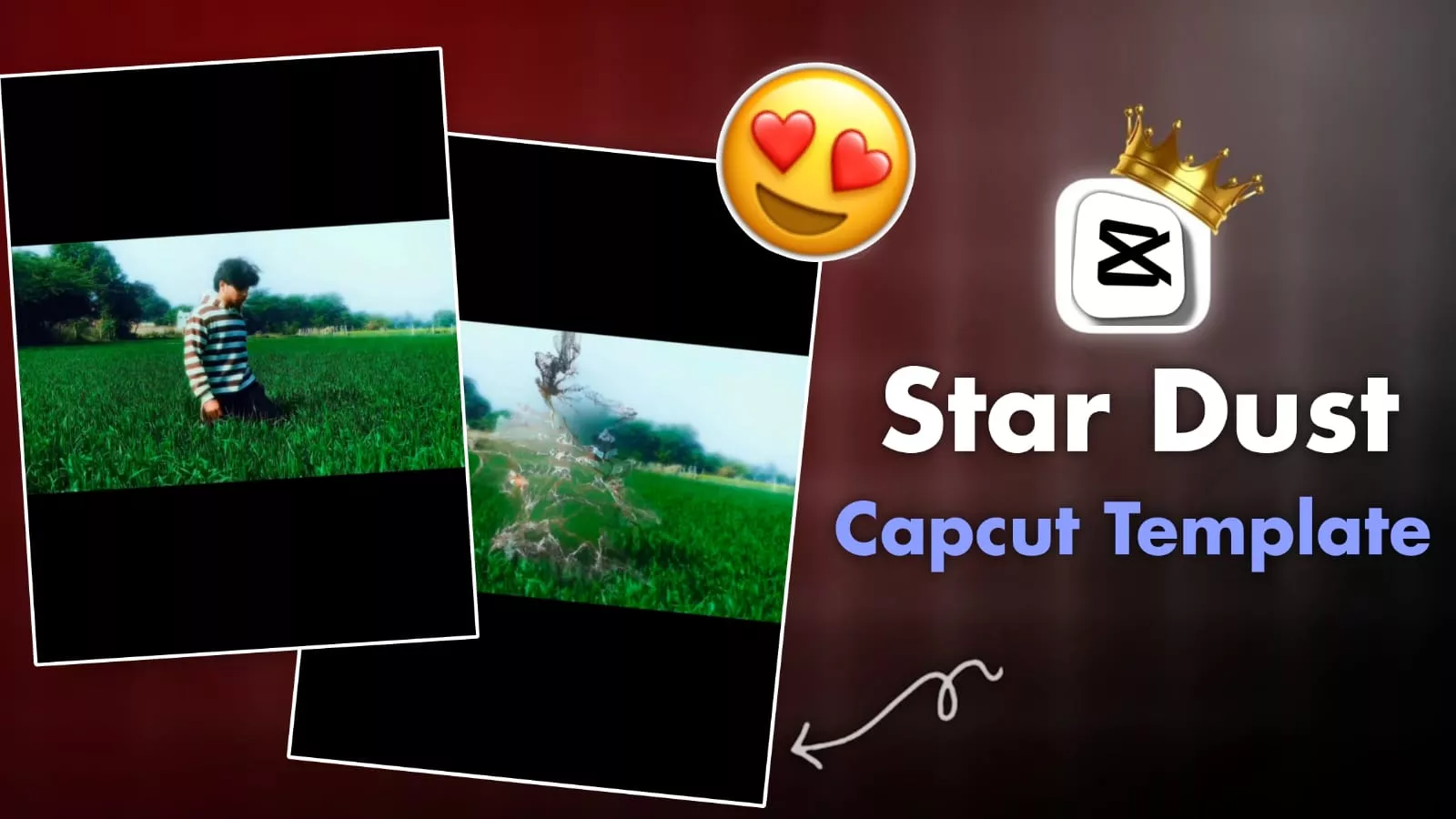
Stardust Effect CapCut Template – Currently, this CapCut editing style is going viral, especially when it’s perfectly synced with a song. It’s becoming incredibly popular. Let me tell you, the effect is called the Stardust effect. Your video starts normally, then gradually transforms, creating sparkling dust particles before disappearing. The look is so smooth; it makes it seem like your body is dissolving into thin air. If you want to try this trending editing style, I’ll show you how. If you add your clip to this template, the editing will be done automatically with the song. I’ll explain everything step by step: what you’ll see in this editing style, how it works, and why it’s so popular on Reels.
Stardust Effect CapCut Template
What happens in this template? Normally, our video starts, then it goes into slow motion, and then a dissolve effect occurs where your video gradually breaks down into small particles. These particles then seem to float away and disappear into thin air, leaving the screen completely empty. Only a blurred background remains. This effect is created so seamlessly that it looks completely realistic, as if it’s happening in real life. It has been used extensively in movies. Let me tell you, creating this effect is very easy these days, and with my method, you’ll get excellent results.
Video Editing Details
When you use the template, here’s how the editing works: You open the template and add your video clip. What happens then is that an auto-masking effect is applied, which perfectly positions your body in the frame. After that, it’s converted to slow motion. Then, the particle shift effect, which is currently called Stardust, is applied. Finally, a light glow effect and a slight fade-out are added to your video. This ensures that your video perfectly matches the song. This is how the video is created with all these details. Now I’ll show you how to apply these details to your video. I’ll guide you step-by-step using a template. Start editing!
Now, how can you create your video using this template?
You need to understand that the template we’ve provided here is a CapCut template. This is not an affiliate link. Understand this first, and also, our website is not the official CapCut website. If you want to use this template, you can also find it within the official CapCut application. However, I’ve provided a direct link here. You can click on it to go directly to the template. Once there, first click on “Use Template” and add your clips. After that, click on “Next,” and a preview of your video will be ready. Your editing will be completed perfectly.
What do you see in the editing?
Initially, you see normal, smooth slow-motion videos. In the middle, you see flying particles, and these particles break apart and scatter completely in the air. At the very end of this editing, you see an empty frame. This template is also viral because it’s created using a template. Even people who have no editing experience can create their own videos using this template.